
ERP Implementation Roadmap: From Spreadsheets to a Live System
A lower-risk rollout plan for mapping workflows, cleaning data, piloting one module, training teams and expanding ERP adoption.

Map → pilot → migrate → expandFIG.01
Short answer
A lower-risk ERP rollout runs in five stages: map the current operation as it actually works, choose one module that removes real manual effort, clean and rehearse the data migration, pilot with live work for a defined period, then expand only once the data is stable. Each stage finishes before the next begins.
Key takeaways
- Map how the operation really runs, including the exceptions, before selecting a module.
- Rehearse the data migration at least once — the first attempt always finds problems.
- Pilot with real transactions, not sample data, and set a date for the go or no-go decision.
- Expand from stable data, not from an optimistic timeline.
ERP projects fail when software is treated as the entire change. The real implementation includes process decisions, data cleanup, permissions, training and a controlled move away from old tools. A staged ERP rollout makes each risk visible before it reaches the whole business.
1. Map the current operation
Document who creates each record, which approvals matter, where data is duplicated and which reports drive decisions. Capture exceptions, not just the perfect flow; the difficult ten percent usually determines whether the system gets adopted.
2. Choose the first module
Start where pain and business value are both high: orders, purchasing, inventory or invoicing. The first module should produce a visible win and create reliable records that later modules can reuse.
3. Clean and rehearse the migration
- Remove duplicate customers, products and suppliers before import.
- Agree units, statuses, opening balances and ownership of incomplete records.
- Run a test migration, reconcile totals and record every transformation rule.
- Keep a rollback plan and an untouched source export for audit.
4. Pilot with real work
Use one team or location for a complete cycle, collect issues daily and fix workflow friction before company-wide training. Train by role on real scenarios, not by touring every button in the product.
5. Expand from stable data
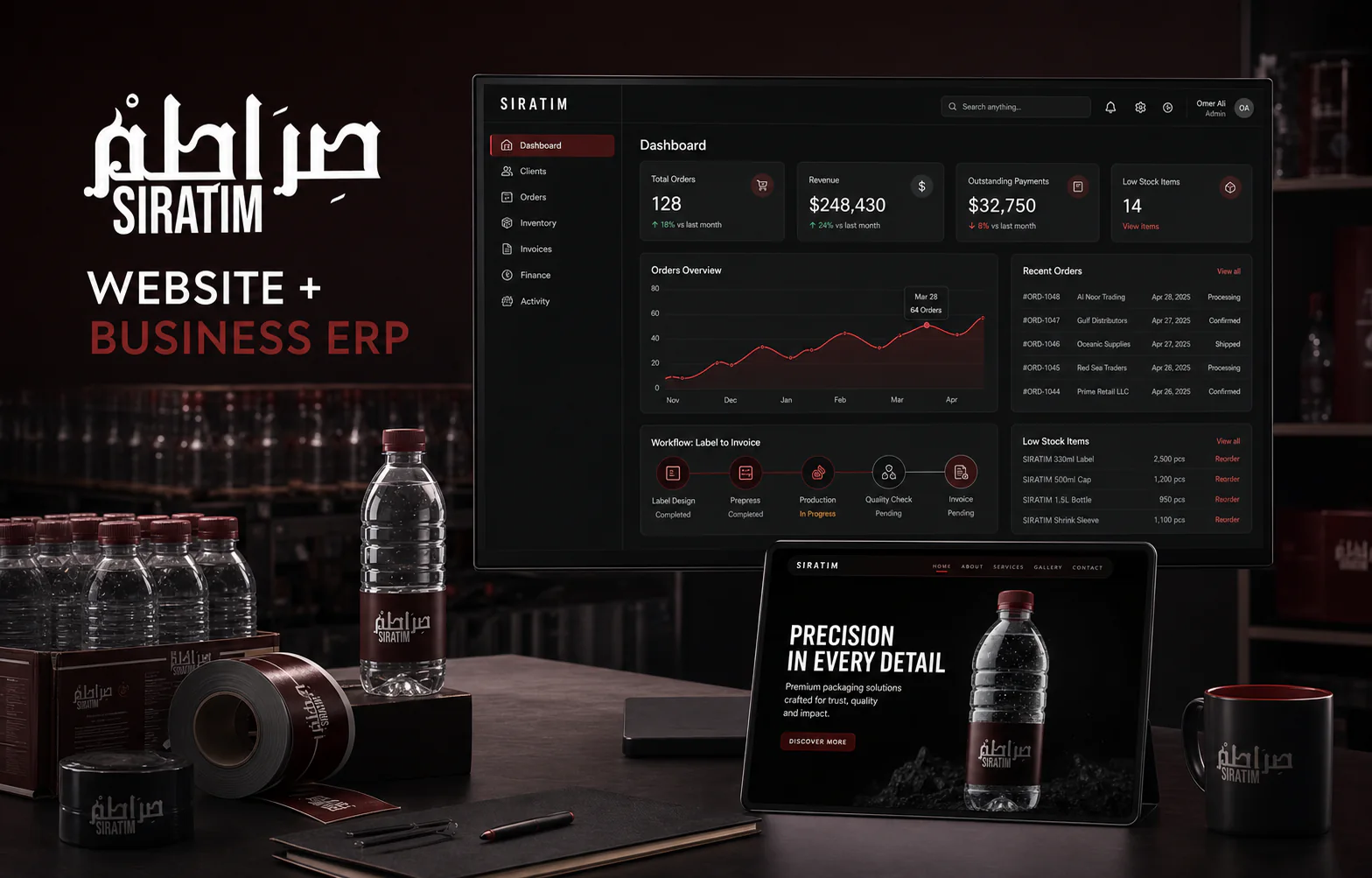
Once the first workflow is trusted, add connected modules and reporting. The CloudPak case study reflects this move from disconnected operations to one shared platform. If you are planning a migration, book a workflow session.
Frequently asked questions
How long does an ERP implementation take?
A first module can go live in 6–10 weeks. Broader multi-department programs usually roll out over several months in controlled phases.
Should old spreadsheets be deleted after launch?
Keep locked archival copies for audit, but stop parallel editing after the agreed cutover. Two active sources of truth recreate the original problem.
Who should own ERP implementation internally?
Assign one empowered process owner plus representatives from each affected department. Technology cannot resolve policy decisions without business ownership.
/Services in this article
/ERP & CRM Systems by country
Keep reading
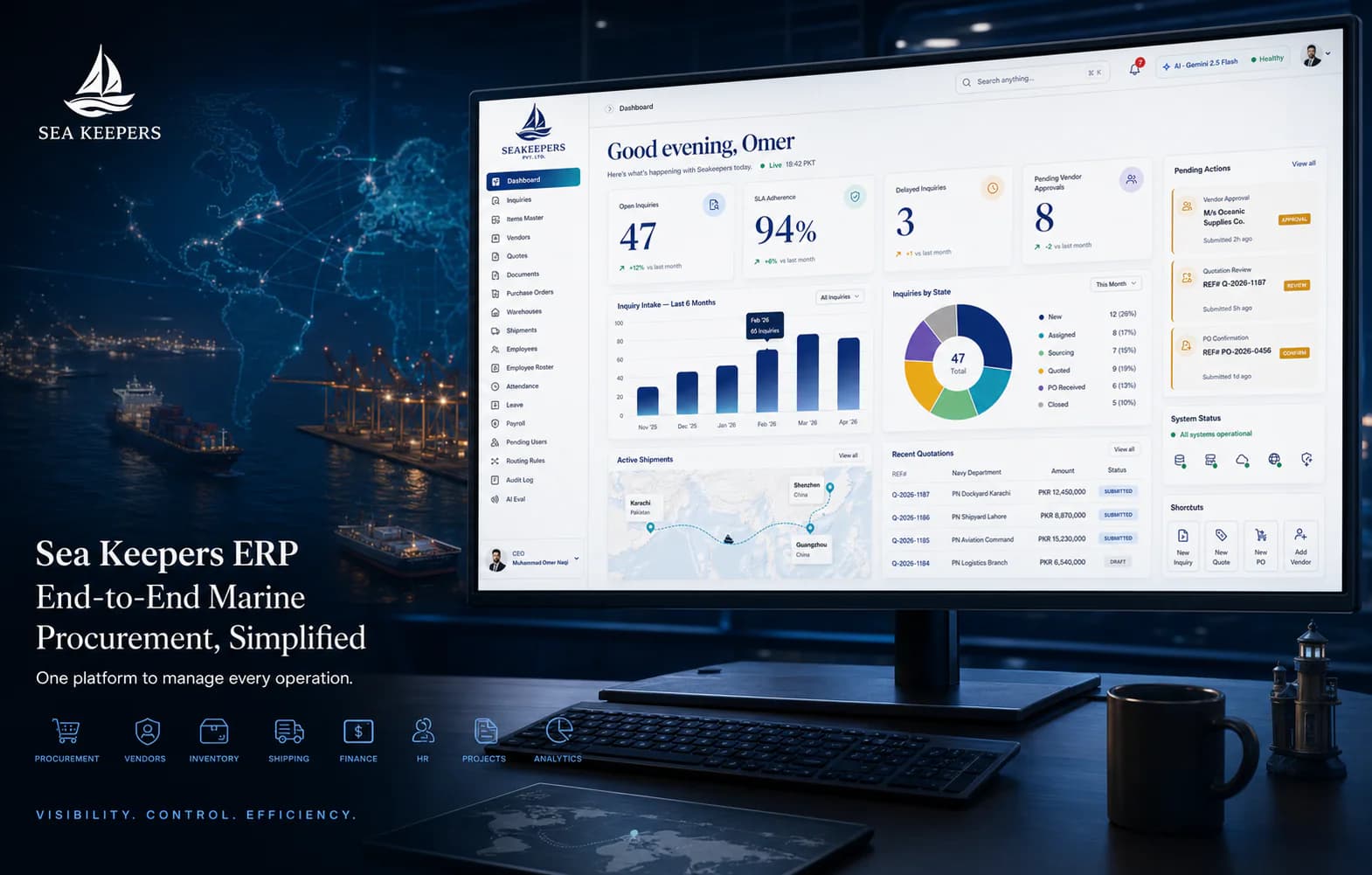
All articlesMarine Procurement ERP: 7 Workflows That Need One Source of Truth
The essential modules for a marine procurement ERP: inquiries, vendors, quotes, purchase orders, warehouses, shipments and finance.

How to Automate Your Company: The Order to Do It In
A practical method for automating a business: how to choose the first process, how to score the rest, what to leave manual on purpose, and how to phase it so each stage pays for the next.