
8 Signs Your Business Has Outgrown Spreadsheets
Spreadsheets fail loudly at scale — double bookings, version chaos, invisible numbers. Eight concrete signs it is time to move your operation into real software.
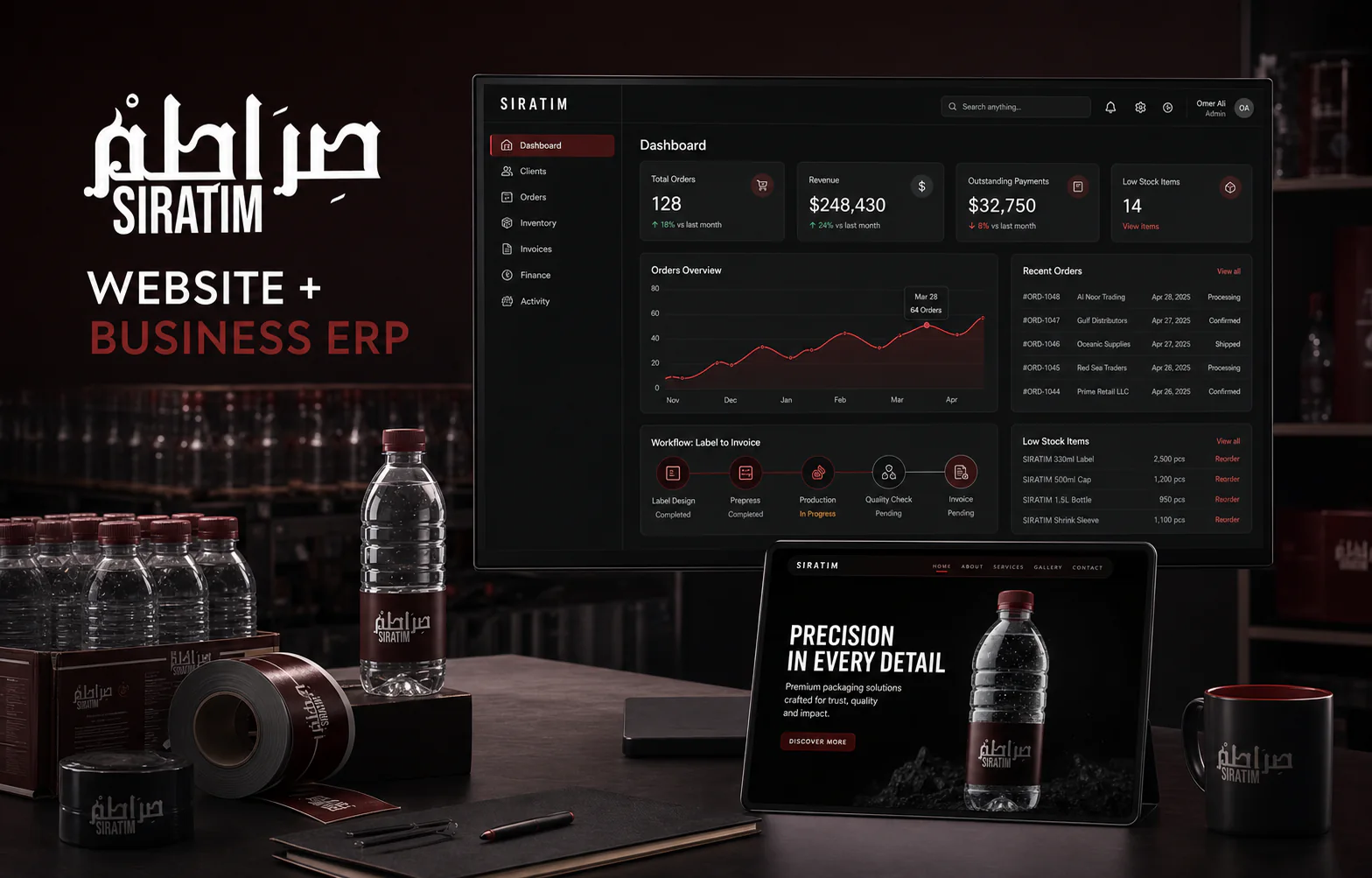
Where the spreadsheet breaksFIG.01
Short answer
A business has outgrown spreadsheets when several people edit the same file, nobody can say who changed a number, reports take a day to assemble, bookings or stock get double-counted, and staff keep private copies. Those are structural failures of the tool, not carelessness, and no amount of discipline fixes them.
Key takeaways
- Version chaos and private copies are the clearest signal — they mean the file is no longer the record.
- If assembling a report takes a day, the data is already costing more than software would.
- Double bookings and stock discrepancies come from concurrent editing, not from careless staff.
- Waiting has a cost: every month of workarounds is data you will have to clean later.
Spreadsheets are brilliant right up until they are dangerous. Every operations disaster we get called into — lost orders, double payments, stock that exists in Excel but not the warehouse — has the same root: the business grew and the tooling did not. Here are the eight signs we see most.
The signs
- There is a file called FINAL-v7-USE-THIS-ONE.xlsx and nobody is sure it is true.
- Two people can sell the same stock, book the same slot or pay the same invoice twice.
- One employee is the system — when they are on leave, operations slow down.
- You find out about problems at month-end, not the moment they happen.
- Customer history lives in personal WhatsApp chats, not a company record.
- Reports take a day to assemble and are already stale when presented.
- Field staff phone the office for information a mobile app should show them.
- You have hired someone whose entire job is moving data between two tools.
What replacing spreadsheets actually looks like
Not a big-bang rip-out. The migrations that work start with one bleeding workflow — usually orders or inventory — moved into a custom system that imports your existing sheets, runs alongside them for two weeks, then becomes the source of truth. Each next module follows once the last one has paid for itself.
The real cost of waiting
Teams normalise the Tuesday-night reconciliation and the monthly stock surprise. Priced honestly — hours spent, errors made, deals lost to slow answers — the spreadsheet operation is usually the most expensive software you run. It just bills you in staff time instead of invoices.
If more than three signs above felt familiar, talk to us. We will map your workflows and tell you which one to systemise first — and read how we run projects to see why clients across the USA, UAE and Pakistan trust us with the systems their businesses run on.
Frequently asked questions
Can we keep using spreadsheets alongside a new system?
Yes — good systems export everything, and finance teams often keep Excel for analysis. The difference is the spreadsheet becomes a view of the truth instead of the truth itself.
How disruptive is the migration?
Done properly, minimally: we import your historical data, run the new module in parallel for a sprint, train the team on real work, then cut over. No frozen operations, no lost history.
What if our process changes next year?
That is the argument FOR custom software, not against it — you own the code, so the system changes with the business instead of the business bending to a vendor's roadmap.
/Services in this article
/ERP & CRM Systems by country

Keep reading
All articlesSoftware for Distribution Businesses: Orders, Stock and Recovery
How distributors and wholesalers get orders, inventory, dispatch and credit recovery into one system — and which module to build first.
School Management Systems: What Actually Reduces Admin Work
Which modules genuinely save time for a school or institute — fee collection, attendance, results, parent communication — and what to avoid buying.