
AI Automation for Business: 7 Processes You Should Stop Doing Manually
The seven back-office processes we automate most often with AI — document intake, quoting, follow-ups, reporting — and how to pick the first one worth automating.
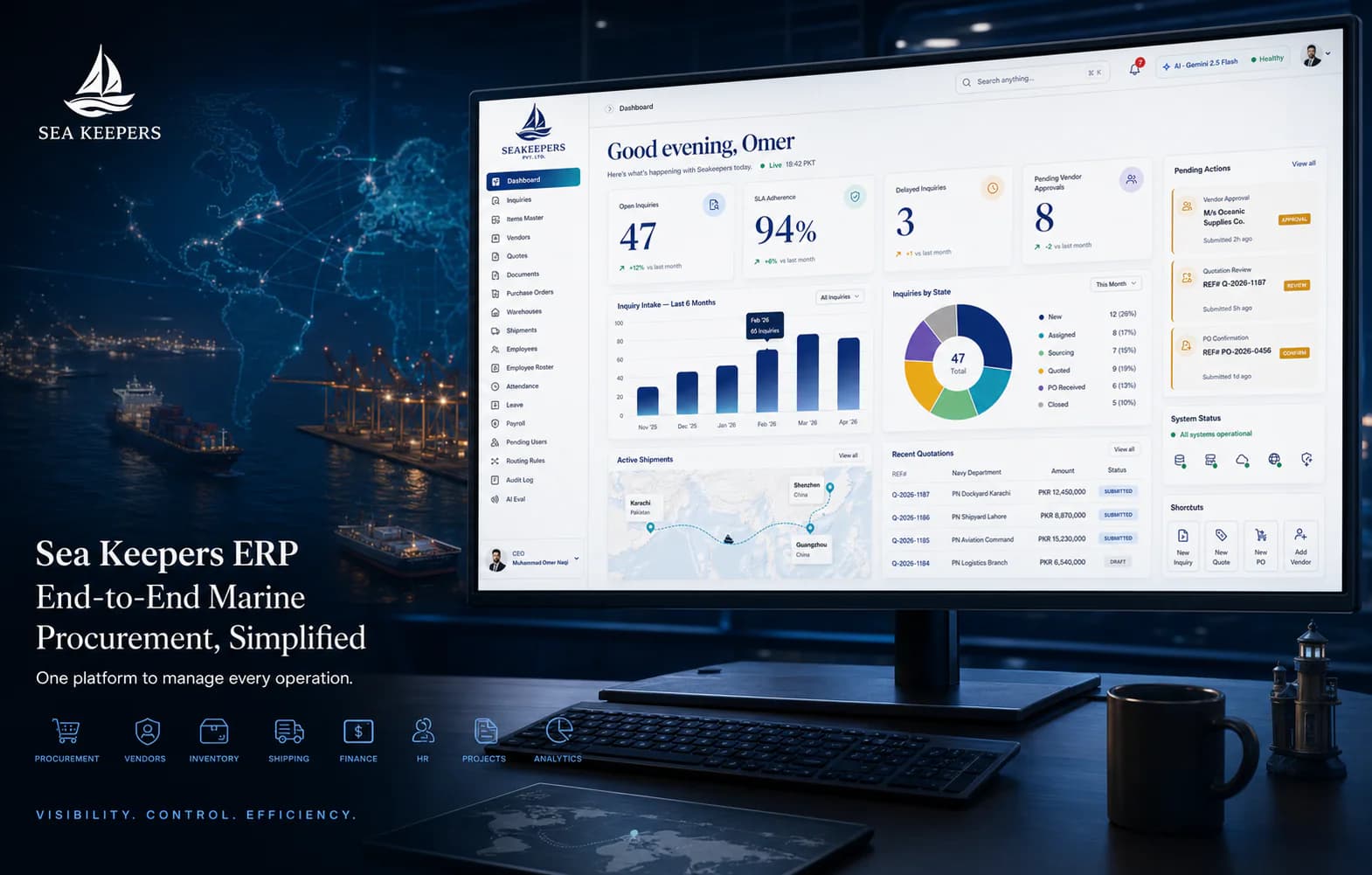
Documents in, actions outFIG.01
Short answer
The processes most worth automating with AI are the repetitive ones with a clear input and output: reading documents into a system, drafting quotations, customer follow-ups, support triage, routine reporting, data cleanup and meeting notes. Start with the one that costs the most staff hours and has the least judgement involved.
Key takeaways
- Automate tasks with a clear input and output first; judgement-heavy work is where AI disappoints.
- Document intake — invoices, purchase orders, delivery notes — is usually the highest-value starting point.
- Automation that is not connected to your system just moves the retyping somewhere else.
- Pick the first automation by hours saved, not by how impressive it sounds.
Most businesses do not need 'an AI strategy'. They need five hours a day of copy-paste work to disappear. That is what AI automation actually does when it is wired into your systems properly — here are the seven processes we automate most often.
1. Reading documents into your system
Purchase orders, invoices and delivery notes arrive as PDFs, photos and email bodies. AI extraction reads them — including scans and handwriting — and creates structured records in your ERP with the original attached. No retyping, no transposed digits.
2. First-draft quotations
The system drafts a quote from the inquiry, your price list and past deals; a human approves it. Response time drops from hours to minutes — and speed wins deals.
3. Customer follow-ups
Unanswered quotes, abandoned carts, renewal dates: automated, personalised nudges by email or WhatsApp, logged against the customer record.
4. Support triage
An AI assistant answers the questions with known answers instantly and routes the rest to a human with full context — instead of a shared inbox where everything is somebody else's job.
5. Report writing
Daily sales, stock alerts and cash summaries generated and delivered on schedule. Nobody should spend Monday morning assembling numbers that a system already knows.
6. Data cleanup and matching
Duplicate customers, mismatched payments, inconsistent product names — AI matching keeps the database clean continuously, not in a heroic yearly cleanup.
7. Meeting and call notes
Calls transcribed, summarised and filed against the right client with action items assigned. The CRM finally writes itself.
How to choose your first automation
Pick the process that is high-volume, rule-based and painful to staff — usually document intake or follow-ups. Automate one, measure the hours saved, then expand. If you want help choosing, walk us through a normal day and we will identify the highest-return candidate for free.
Frequently asked questions
Does AI automation replace staff?
In practice it removes the part of the job people hate — retyping, chasing, formatting — and moves them to work that needs judgment. Headcount usually stays; capacity roughly doubles.
What does an AI automation project cost?
A single scoped automation (e.g. document intake to ERP) typically runs $1,500–$8,000 depending on volume and integrations, which is usually weeks of saved labour, not years.
Is our data safe with AI in the loop?
Yes, if it is engineered properly: role-based access, audit trails and models that do not train on your data. We build automations to the same security standard as the ERP itself.
/Services in this article
/ERP & CRM Systems by country

Keep reading
All articlesHow to Automate Your Company: The Order to Do It In
A practical method for automating a business: how to choose the first process, how to score the rest, what to leave manual on purpose, and how to phase it so each stage pays for the next.
WhatsApp Automation for Pakistani Businesses: What Works
Which parts of a WhatsApp workflow are worth automating, which should stay human, and how to connect it to your orders and CRM without annoying customers.